If you're trying to decide between WhatsApp Web, WhatsApp Business, and WhatsApp API, you're not alone. Many individuals, startups, and growing businesses struggle to understand which version actually fits their needs.
This guide breaks it down clearly—no jargon, no confusion—so you can choose the right solution based on what you actually want to achieve.
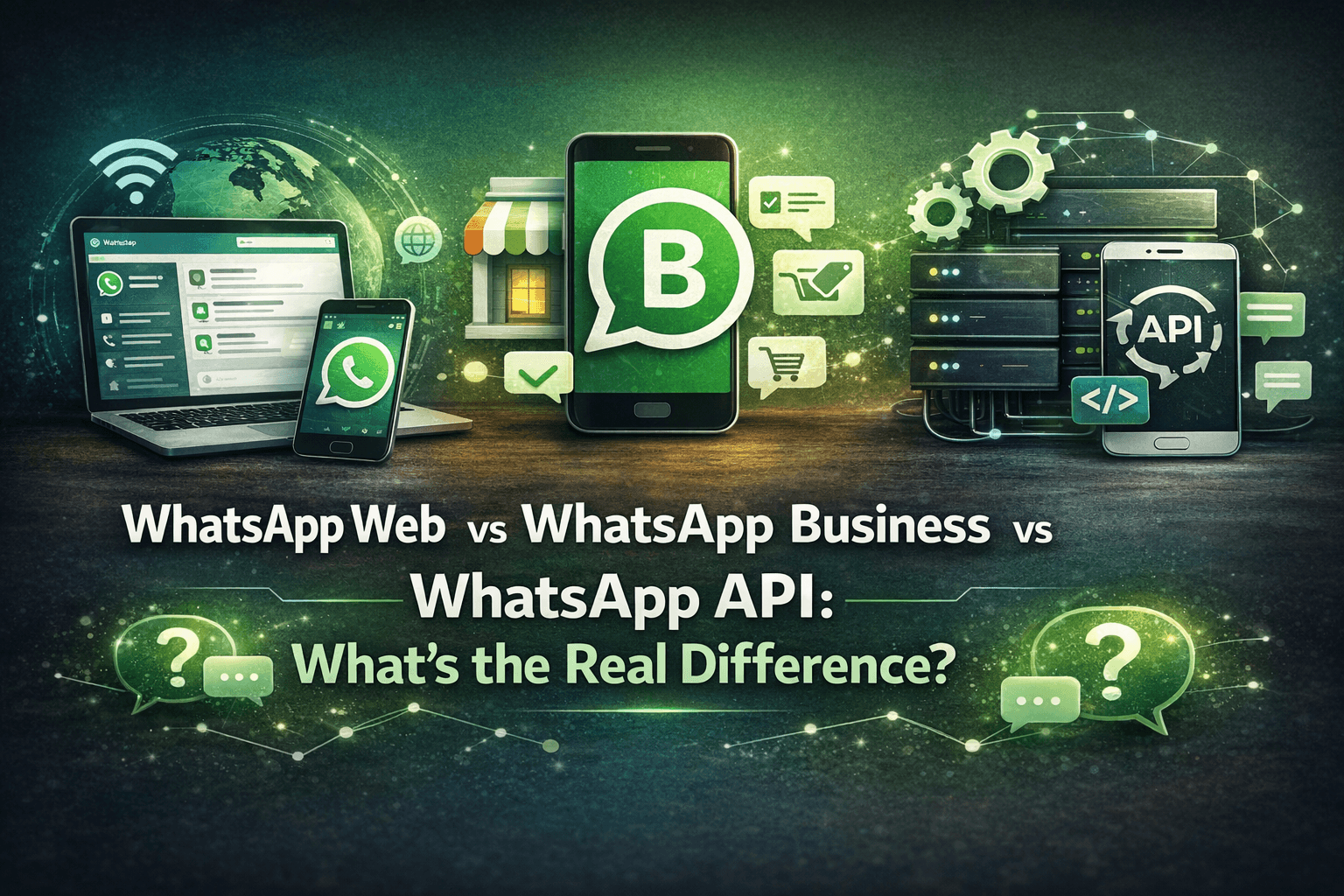
What is the difference between WhatsApp Web, WhatsApp Business, and WhatsApp API?
WhatsApp Web: A browser-based extension of your personal WhatsApp account
WhatsApp Business: A mobile app designed for small businesses
WhatsApp API: A scalable solution for medium to large businesses requiring automation, integrations, and multi-user access
What is WhatsApp Web?
WhatsApp Web is simply a mirror of your phone’s WhatsApp account that you can access through a browser.
Key Features:
Send and receive messages from your desktop
Syncs instantly with your phone
No separate business tools or automation
Best For:
Individuals
Freelancers
Personal use
Limitations:
Requires phone connection
No automation or analytics
Single-user only
👉 If you’re just replying to messages occasionally, WhatsApp Web is enough. But the moment your communication grows, you’ll hit its limits quickly.
What is WhatsApp Business?
WhatsApp Business is a free mobile app by Meta Platforms designed for small businesses to manage customer conversations more professionally.
Key Features:
Business profile (address, hours, website)
Quick replies and greeting messages
Labels to organize chats
Basic catalog for products/services
Best For:
Small businesses
Local shops
Early-stage startups
Where It Falls Short:
Limited automation
No advanced integrations
Not ideal for scaling teams
👉 It’s a great starting point, but once you need automation or team collaboration, you’ll start looking beyond it.
What is WhatsApp API?
WhatsApp API (also called WhatsApp Business API) is built for businesses that need scale, automation, and integration.
Unlike the app, it doesn’t have a front-end interface—you connect it with platforms or tools to unlock its full power.
Key Features:
Multi-agent access (team inbox)
Automation using bots and workflows
CRM and system integrations
Broadcast messaging at scale
Advanced analytics and tracking
Best For:
Growing startups
SaaS companies
Enterprises
Customer support teams
Real Use Cases:
Automated customer support
Order updates and notifications
Lead nurturing and drip campaigns
Secure alerts (like banking or healthcare updates)
This is where solutions like WhatsApp automation for SaaS or a multi-channel live chat inbox come into play—helping teams manage conversations across WhatsApp, Instagram, and more in one place.
WhatsApp Web vs WhatsApp Business vs WhatsApp API
WhatsApp Web
Device: Browser
Users: Single user
Automation: Not available
Broadcast Messaging: Not available
Integrations: None
Best For: Personal use or basic communication
WhatsApp Business
Device: Mobile App
Users: Single user
Automation: Limited (auto-replies, greetings)
Broadcast Messaging: Basic (limited reach)
Integrations: Not supported
Best For: Small businesses and local shops
WhatsApp API
Device: Works via platforms or integrations
Users: Multi-user (team access)
Automation: Advanced (chatbots, workflows, campaigns)
Broadcast Messaging: Scalable and powerful
Integrations: CRM, tools, and systems supported
Best For: Growing businesses and enterprises
Quick Summary (Optional Add-on)
Use WhatsApp Web if you just need convenience
Use WhatsApp Business if you’re starting out
Use WhatsApp API if you want automation, growth, and scale
This format is:
Easier to read on mobile
Better for SEO (Google likes structured headings)
Works perfectly without tables
If you want, I can also convert other sections of your blog into CMS-friendly formats like this.
🤔 Which One Should You Choose?
The answer depends on your stage and needs:
Just chatting casually? → WhatsApp Web
Running a small business? → WhatsApp Business
Need automation, growth, and scale? → WhatsApp API
If your business is handling:
High message volume
Customer support queries
Marketing campaigns
Or multiple team members
Then moving to API is not optional—it’s necessary.
How Businesses Are Using WhatsApp API Today
Modern businesses are going far beyond simple messaging. They’re using WhatsApp as a full communication engine.
Examples include:
Automated onboarding flows
Customer support automation
Campaign tracking and engagement insights
Integrated sales funnels
For instance, platforms like chati.ai help businesses unify messaging, automate responses, and manage customer conversations at scale—without needing complex technical setups.
Frequently Asked Questions
Is WhatsApp API free?
No, it’s not free like the app versions. Pricing depends on usage, conversations, and providers.
Can I use WhatsApp API without coding?
Yes, with the right platform, you can use it without technical knowledge.
Is WhatsApp Business enough for growing companies?
Only up to a point. Once you need automation or team collaboration, API becomes essential.
Final Thoughts
Choosing between WhatsApp Web, WhatsApp Business, and WhatsApp API isn’t about features—it’s about where your business is today and where it’s heading.
Start simple if you must, but if growth is your goal, investing in scalable communication early can save you time, money, and missed opportunities later.
If you're exploring automation, integrations, or scaling customer communication, it's worth understanding how tools like chati.ai fit into the bigger picture—quietly powering smarter conversations behind the scenes.