WhatsApp Web has quietly evolved into a powerful, device-independent communication tool. In 2026, logging into WhatsApp Web is faster, more flexible, and more secure than ever—but also slightly confusing for many users.
This guide explains what changed in WhatsApp Web login in 2026, the new login methods, updated device limits, common problems, and what businesses should know before scaling conversations.
Quick Summary: What’s New in 2026?
You can log in using phone number OR QR code
WhatsApp Web works without your phone staying online
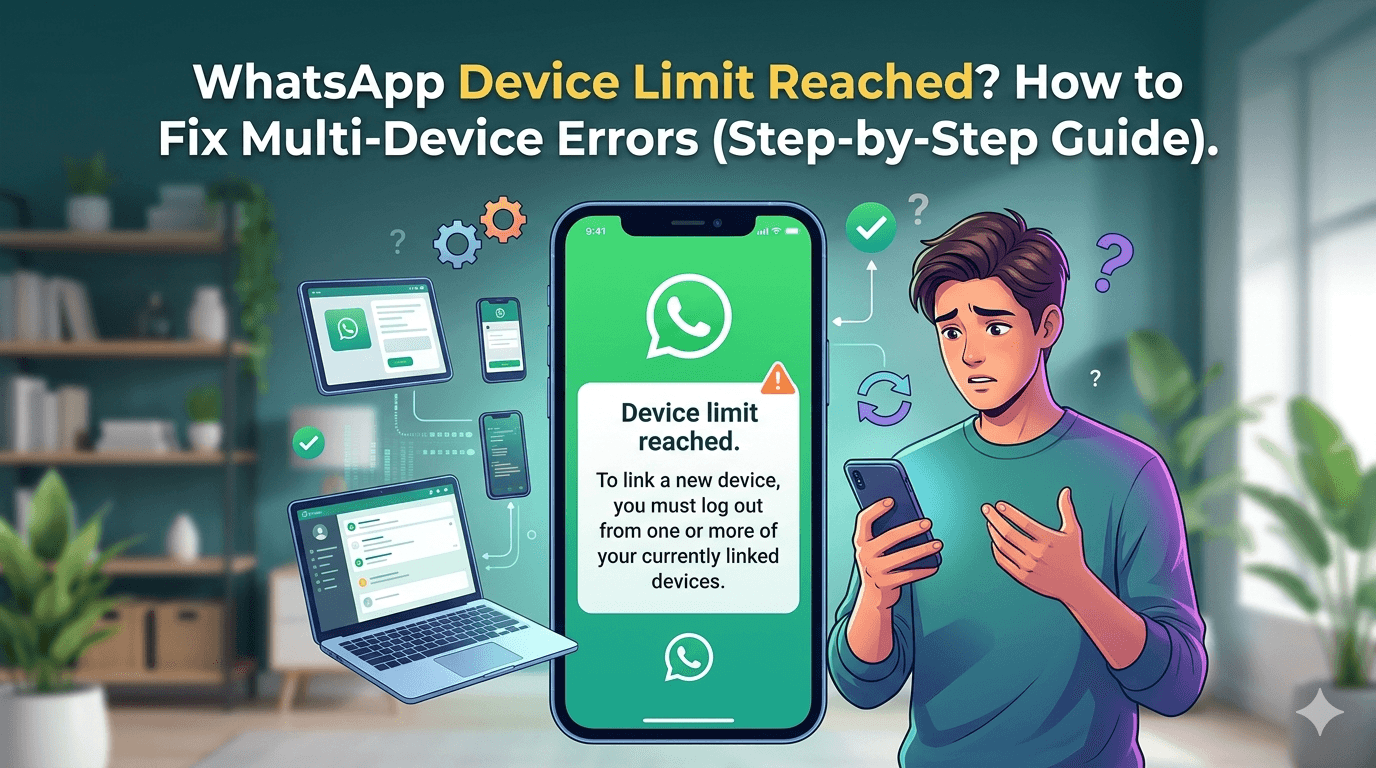
One account supports up to 4 linked devices
Improved security alerts for new device logins
Better support for business workflows
If you’re short on time, scroll to the section that matches your device or issue.
New WhatsApp Web Login Methods in 2026
WhatsApp now offers multiple login paths depending on your situation.
Login to WhatsApp Web Using Phone Number
This is one of the biggest changes introduced after 2024 and widely adopted in 2026.
Steps:
Open https://web.whatsapp.com on your browser
Click “Link with phone number”
Enter your WhatsApp number
Enter the one-time code shown on your phone
This method is useful when:
QR code is not scanning
Your camera is not working
You’re on a shared or office device
Meta Help Center – WhatsApp Web Login https://faq.whatsapp.com
Login via QR Code (Android & iPhone)
The QR method still works and is often faster.
Steps (Android):
Open WhatsApp → Three dots → Linked devices → Link a device
Steps (iPhone):
Open WhatsApp → Settings → Linked devices → Link a device
Scan the QR code shown on WhatsApp Web.
Can You Use WhatsApp Web Without Your Phone in 2026?
Yes—with limitations.
Once you link a device:
Your phone does not need to stay online
You can continue chatting even if your phone is off
Periodic re-verification may be required for security
However:
First-time login still requires phone verification
Long inactivity may log you out
Updated Device Limits (Important)
As of 2026:
1 primary phone
Up to 4 linked devices (browser or desktop apps)
Each linked device:
Syncs messages independently
Has end-to-end encryption
Can be logged out remotely
Tip: Regularly review linked devices under Settings → Linked Devices.
WhatsApp Web Login Problems & Fixes (2026)
QR Code Not Working
Possible reasons:
Poor internet connection
VPN or firewall restrictions
Expired QR code
Fix: Refresh the page and disable VPN temporarily.
Logged Out Automatically
This usually happens when:
Device inactive for long periods
Security update applied
Manual logout from phone
Fix: Re-link the device from your phone.
WhatsApp Web Not Loading
Try:
Clearing browser cache
Switching browsers (Chrome works best)
Checking WhatsApp service status
You can visit this tool : https://downdetector.com
WhatsApp Web vs WhatsApp Desktop (2026 Comparison)
WhatsApp Web
Browser-based: Yes
Requires install: No
Performance: Good
Auto-start: No
WhatsApp Desktop
Browser-based: No
Requires install: Yes
Performance: Better
Auto-start: Yes
WhatsApp Web for Businesses: What You Should Know
For small teams, WhatsApp Web works well. But for growing businesses, limitations appear quickly.
Common Business Limitations:
No analytics
Limited broadcast reach
No automation
Single-agent handling
This is where tools like a WhatsApp marketing automation tool become relevant.
Scaling Conversations Beyond WhatsApp Web
Businesses handling high volumes often move to:
WhatsApp broadcast software for businesses for large, compliant outreach
Automation platforms for customer support
Multi-agent inboxes
Some enterprises also explore WhatsApp RCS services for business to combine rich messaging with verified branding across channels.
Security Tips for WhatsApp Web in 2026
Always log out from shared devices
Enable two-step verification
Review linked devices monthly
Avoid public Wi-Fi for sensitive chats
Frequently Asked Questions
Can I log in to WhatsApp Web without scanning a QR code?
Yes, phone-number-based login is now available.
How long does WhatsApp Web stay logged in?
As long as the device remains trusted and active.
Is WhatsApp Web safe for business use?
For low-volume use, yes. For scale, automation tools are safer and more efficient.
Final Thoughts
WhatsApp Web login in 2026 is simpler, more flexible, and more powerful—but only if you understand the new rules around devices, security, and limitations.
For individuals, the new login methods save time. For businesses, WhatsApp Web is often the first step—before upgrading to structured messaging platforms.
If you keep this guide bookmarked, you’ll never be stuck at the login screen again.