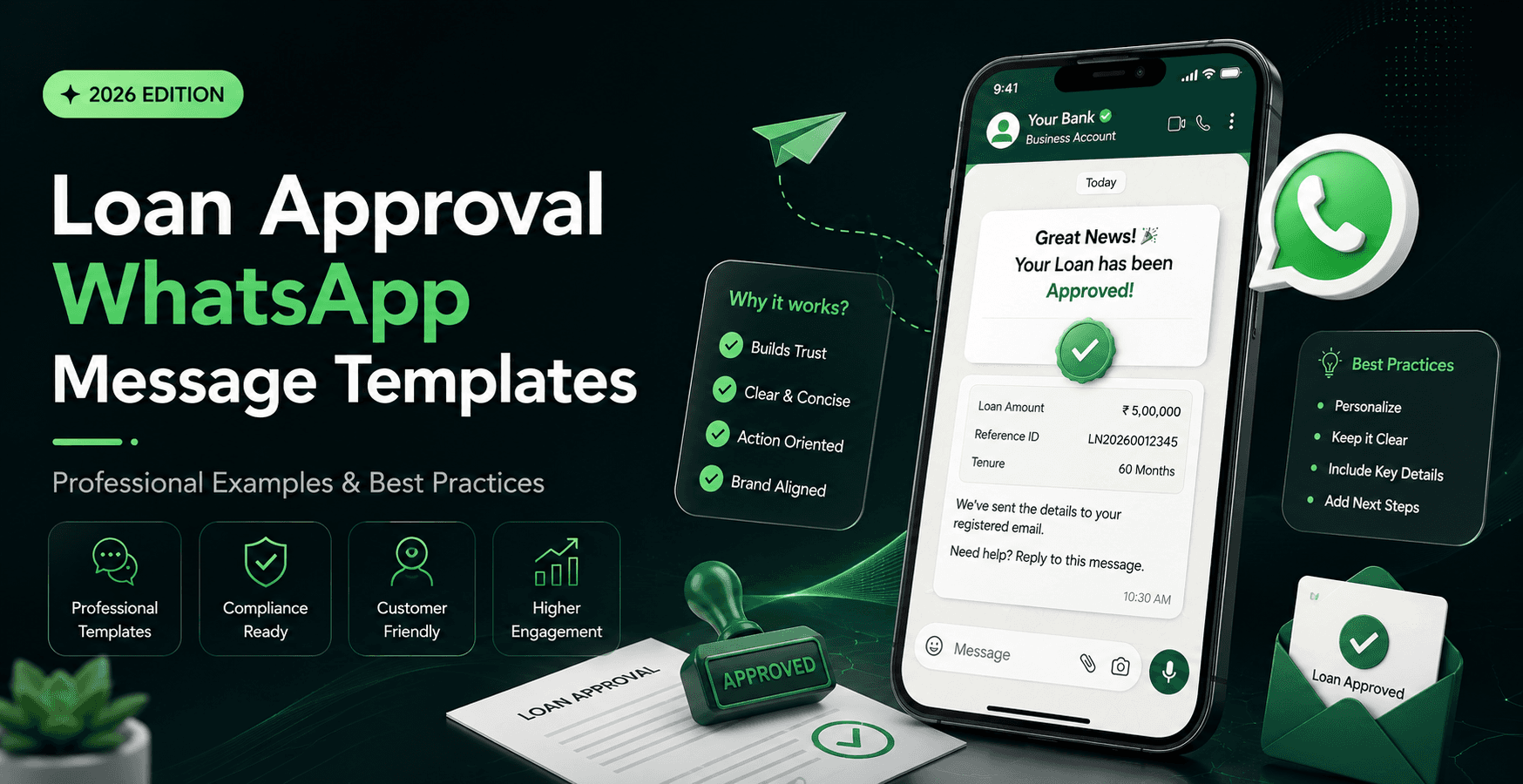
When a customer's loan is approved, speed matters. Instead of making customers wait for an email or phone call, businesses can instantly notify them through WhatsApp.
A well-written loan approval message builds trust, reduces customer anxiety, and encourages the next step—whether that's downloading the sanction letter, completing verification, or tracking disbursal.
In this guide, you'll find ready-to-use loan approval WhatsApp message templates along with practical tips for writing messages that customers actually read.
Why Send Loan Approval Messages on WhatsApp?
Customers usually check WhatsApp much faster than email. A clear approval message helps businesses:
Inform customers instantly
Reduce support calls by using a WhatsApp chatbot to answer common customer questions.
Improve customer experience
Increase document completion rates
Guide customers to the next step with a clear CTA
What Should a Loan Approval Message Include?
Keep your message simple and professional. Include:
Customer name
Loan approval confirmation
Approved loan amount
Interest rate (if applicable)
Loan tenure
Next action
Support contact
CTA button or secure link
Professional Loan Approval WhatsApp Templates
Template 1: Standard Loan Approval
Hello {{1}},
Great news! Your loan application with {{2}} has been approved.
Approved Amount: {{3}}
Loan Tenure: {{4}}
Interest Rate: {{5}}
You can review your loan details and download your sanction letter using the link below.
👉 {{6}}
Thank you for choosing us.
Template 2: Instant Approval
Congratulations {{1}}!
Your loan request has been successfully approved.
Approved Amount: {{2}}
Your funds will be processed shortly after verification.
View your loan details here:
{{3}}
Template 3: Business Loan Approval
Dear {{1}},
We are pleased to inform you that your business loan application has been approved.
Loan Amount: {{2}}
Please complete the remaining verification process to proceed with disbursal.
Access your account here:
{{3}}
Template 4: Home Loan Approval
Hello {{1}},
Congratulations! Your home loan application has been approved successfully.
Please review your sanction letter and complete the required documentation.
View Details:
{{2}}
Best Practices
Keep messages under 120 words.
Use simple, easy-to-understand language.
Include only essential loan details.
Add one clear call-to-action.
Avoid excessive emojis in business communication.
Never share sensitive information like OTPs or full account numbers.
Common Mistakes to Avoid
Writing long paragraphs
Using confusing financial terms
Including multiple links
Sending messages without personalization
Missing a clear next step
Frequently Asked Questions
Can loan approval messages be automated on WhatsApp?
Yes. Businesses can automate approval notifications using WhatsApp Business API and pre-approved WhatsApp message templates.
What is the ideal length?
Between 60 and 120 words is usually enough to communicate all important details.
Should businesses include loan documents?
Yes, if appropriate. You can attach a sanction letter or provide a secure link for customers to download it.
Final Thoughts
A professional WhatsApp loan approval message is more than just a notification—it is an important customer touchpoint. Clear language, accurate information, and a simple call-to-action help create a better customer experience while reducing support queries.
Use the templates above as a starting point and customize them to match your business, brand voice, and loan process.