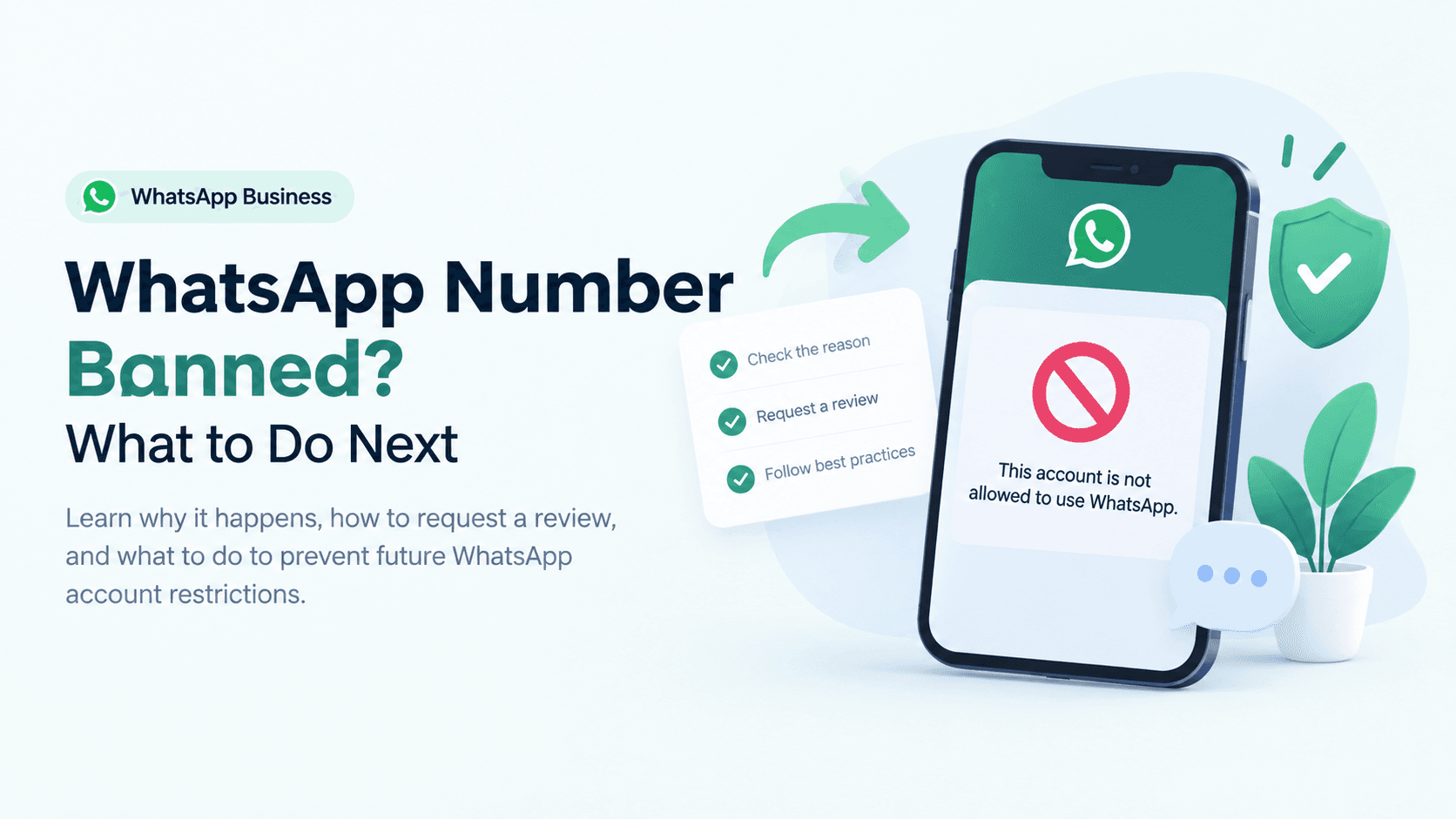
Nothing is more frustrating than opening WhatsApp Business and seeing your account suspended or banned—especially when it's your primary way to communicate with customers.
If you rely on WhatsApp for orders, appointments, customer support, or sales, a ban can stop your business overnight.
The good news? Many WhatsApp Business account bans can be resolved if you understand why they happened and follow the right recovery process.
In this guide, we'll explain why WhatsApp Business accounts get banned, how to recover your account, and how to prevent it from happening again.
Why Was Your WhatsApp Business Account Banned?
Before trying to recover your account, it's important to understand the reason.
Most bans happen because WhatsApp detects activity that violates its policies or appears suspicious.
Common reasons include:
Sending thousands of messages to people who never contacted you
Too many users blocking or reporting your number
Using unofficial or modified WhatsApp apps
Sending repetitive promotional messages
Buying contact lists instead of collecting customer consent
Using unauthorized automation tools
Many small businesses unknowingly trigger these rules while trying to grow faster.
For example, importing a purchased customer database and sending bulk promotional messages may seem like a marketing shortcut, but it often leads to reports and eventually account restrictions.
Temporary Ban vs Permanent Ban
Not every ban is permanent.
Temporary Restriction
You may see messages like:
Account temporarily unavailable
Review requested
Temporary suspension
These usually happen because WhatsApp wants to verify unusual activity.
Permanent Ban
If your account repeatedly violates WhatsApp's policies, you may receive a permanent ban notice.
Even then, you can still submit an appeal if you believe the ban was a mistake.
Step 1: Submit a Review Request
The first thing you should do is request a review.
Inside WhatsApp Business:
Settings → Help → Contact Us (or tap the Request a Review option if it's shown on the ban screen).
When writing your appeal:
Stay polite.
Clearly explain your business.
Mention that you follow customer consent.
Ask for a manual review.
Avoid emotional or aggressive language
Example
Hello WhatsApp Support,
I operate a small business and use WhatsApp Business to communicate with customers who have voluntarily contacted us. If our account unintentionally violated any policy, we sincerely apologize. Please review our account, as WhatsApp is essential for serving our customers.
Thank you.
Simple and professional appeals generally work better than long explanations.
Step 2: Stop Using Third-Party Apps
Many bans happen because businesses use unofficial tools.
Avoid apps that promise:
Unlimited bulk messaging
Message blasting
Auto message spam
Fake sender IDs
Modified WhatsApp versions
If you're using any unofficial software, remove it before submitting your appeal.
Step 3: Review Your Messaging Practices
Ask yourself a few questions:
Did every customer agree to receive messages?
Are you sending too many promotional messages?
Are customers replying, or are they mostly ignoring your messages?
Have several customers blocked your number recently?
High block rates are a strong signal that recipients don't want your messages.
Instead of sending the same promotion to everyone, segment your audience and send messages that are genuinely relevant.
Step 4: Check If Your Number Is Still Active
If your number is permanently banned, don't immediately create another WhatsApp account with a different number for the same business.
Doing so without fixing the underlying issue may lead to another suspension.
Instead, wait for the review outcome and correct any policy violations first.
Common Mistakes That Lead to Bans
Many small businesses accidentally make these mistakes:
❌ Buying contact databases
❌ Sending messages without customer permission
❌ Sending hundreds of identical promotional messages
❌ Using cracked WhatsApp applications
❌ Automating messages with unauthorized software
❌ Ignoring customer opt-out requests
If any of these sound familiar, changing these practices can help protect your account going forward.
How to Avoid Getting Banned Again
Recovery is only half the solution. Prevention matters just as much.
Here are some best practices:
Collect Customer Consent
Only message customers who have explicitly agreed to receive updates.
Personalize Your Messages
Customers are more likely to engage with relevant messages than generic promotions.
Avoid Message Flooding
Instead of sending hundreds of messages within minutes, communicate at a reasonable pace.
Keep Response Rates High
Businesses that have genuine two-way conversations generally have healthier account quality than those sending one-way promotional blasts.
Use Official Business Tools
If your business is growing and you need automation, use approved solutions rather than unofficial software.
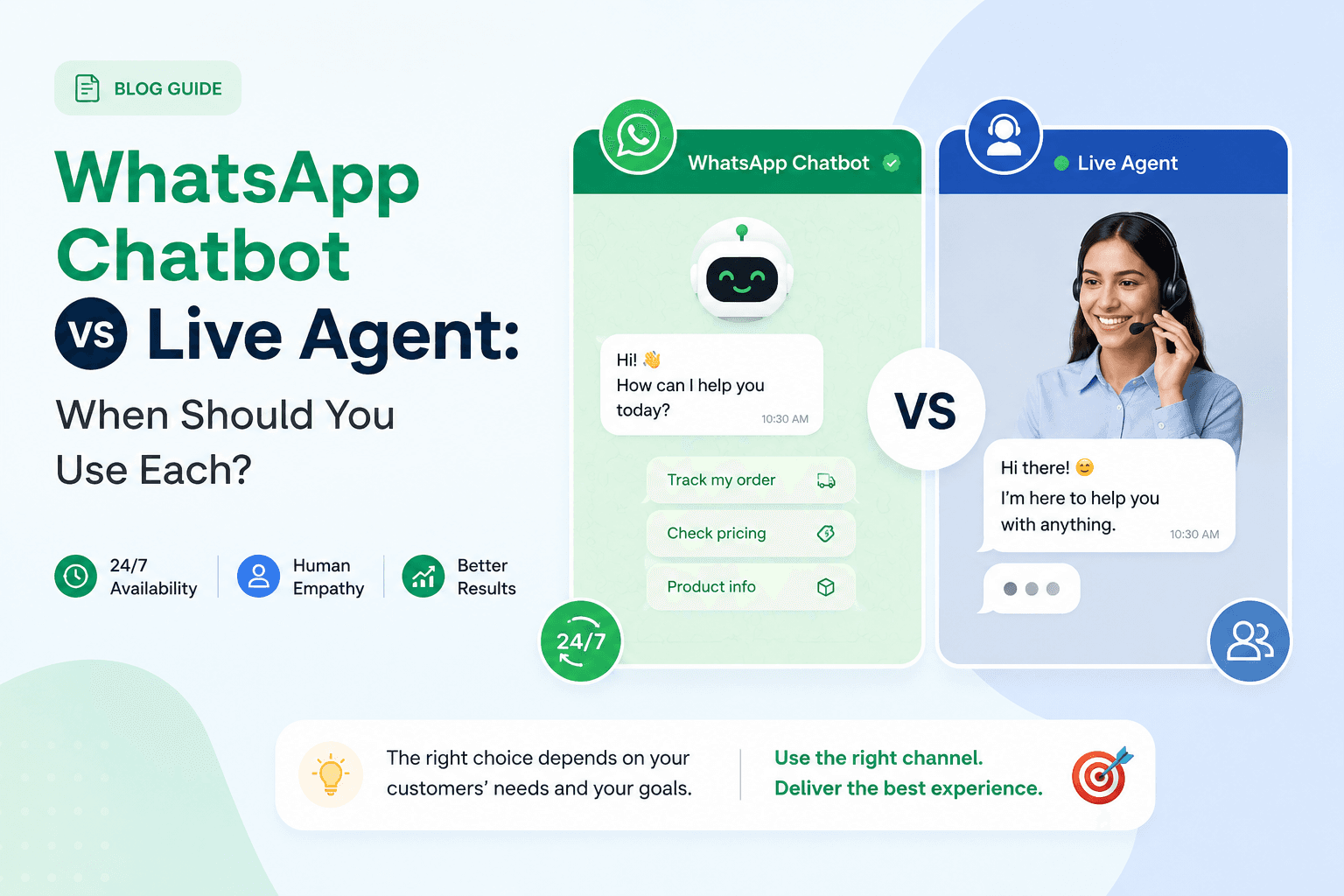
For example, a Smart AI chatbot for business can answer common customer questions, qualify leads, and route conversations while staying within official messaging workflows. The key is choosing compliant tools instead of apps designed to bypass WhatsApp's policies.
What If You Need to Send Messages at Scale?
Many businesses eventually outgrow manual messaging.
Rather than using bulk-message software that risks your account, consider official business messaging platforms that support customer consent, templates, analytics, and compliance.
If you communicate across multiple channels such as WhatsApp, email, Instagram, and web chat, an Omnichannel messaging platform can help centralize customer conversations without relying on risky workarounds.
Frequently Asked Questions
Can I recover a permanently banned WhatsApp Business account?
Sometimes, yes. If the ban resulted from an error or a first-time policy issue, submitting a review request may restore access. However, repeated or serious violations are less likely to be reversed.
How long does WhatsApp take to review a banned account?
Reviews can take anywhere from a few hours to several days, depending on the case. Be patient and avoid submitting multiple requests in a short period.
Can using bulk messaging tools get my account banned?
Yes. Unofficial bulk messaging software is one of the most common reasons for account restrictions. If you need large-scale communication, use approved business messaging solutions instead.
Does WhatsApp ban businesses for automation?
Not for automation itself. The issue is how the automation works. Automation built on official business solutions is generally acceptable, while tools that violate WhatsApp's policies or send unsolicited messages can lead to account action.
Can customers reporting my business cause a ban?
Yes. A high number of blocks and spam reports may affect your account quality and increase the likelihood of restrictions.
Final Thoughts
Getting your WhatsApp Business account banned can feel overwhelming, especially if customer conversations are a major part of your business. In many cases, the best approach is straightforward: request a review, stop using unofficial tools, and make sure every message you send is expected and valuable to the recipient.
As your business grows, focus on building customer relationships rather than sending as many messages as possible. Using official messaging tools, respecting customer consent, and maintaining high-quality conversations will help keep your account healthy over the long term.
A temporary interruption is frustrating, but improving your messaging practices now can reduce the chances of facing the same issue again.