{"html":""}
The Ultimate Guide: Setting Up WhatsApp Business API for SMBs in 2026
Are you still using the standard WhatsApp Business App on a single phone? If your business is growing, you’ve likely hit a wall: only four linked devices, no real automation, and the constant fear of a "spam" block.
In 2026, the WhatsApp Business API is no longer just for big corporations—it’s the secret weapon for Small and Medium Businesses (SMBs) to scale. Here is your simple, step-by-step guide to getting set up and why it’s a game-changer for your sales.
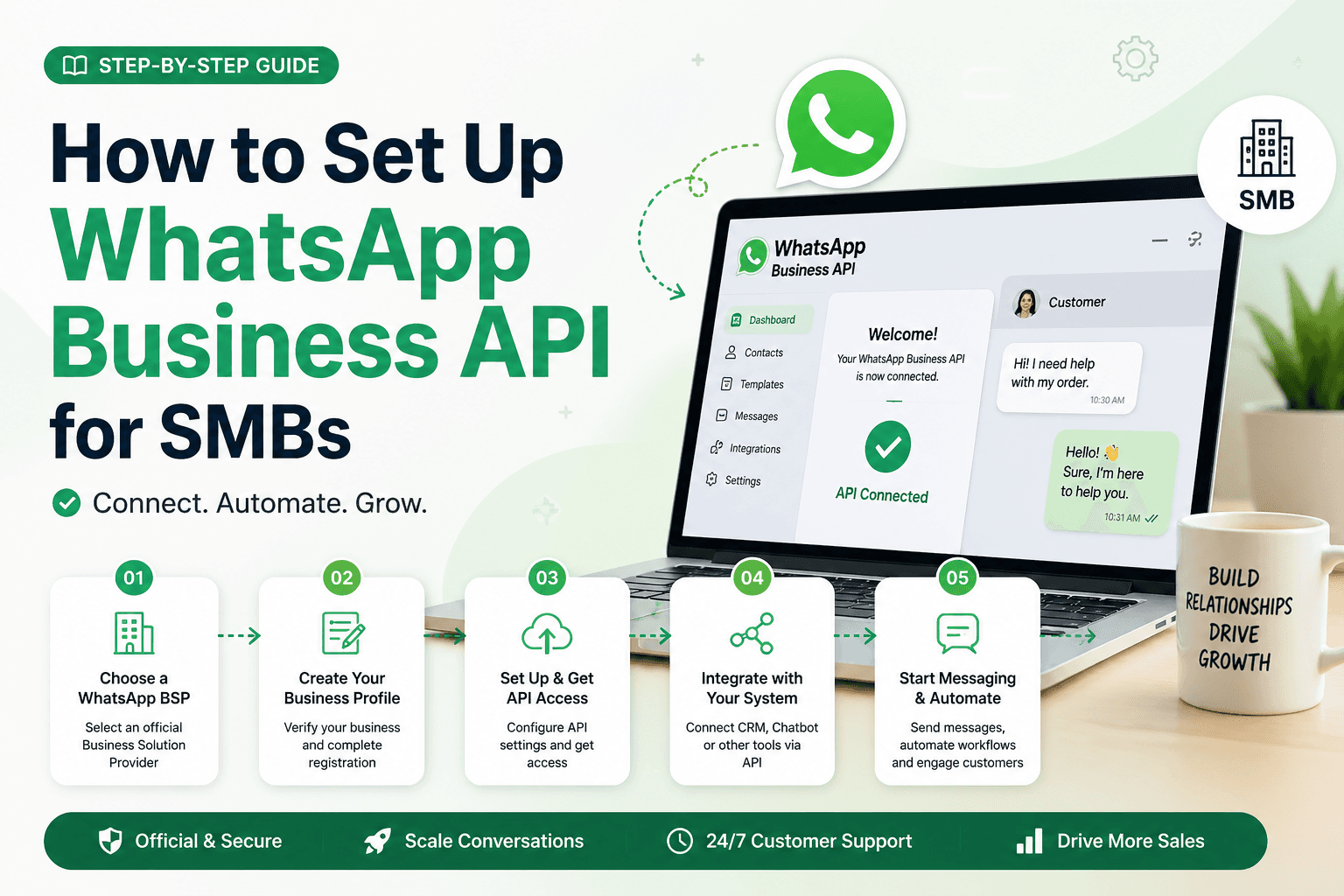
Step 1: Choose Your Provider (BSP)
Unlike the regular app, you can't just download the API from the Play Store. You need a WhatsApp Business API Provider (like CHATI). These platforms act as your interface, giving you a dashboard to manage chats, send broadcasts, and build bots.
Step 2: Prepare Your Assets
Before you start the onboarding process, make sure you have:
- A Fresh Phone Number: This number must not have an active WhatsApp account. If it does, you’ll need to delete the existing account first.
- Meta Business Portfolio: You need an official Meta (Facebook) Business Manager account.
- Business Details: Your legal business name, website URL, and a business email.
Step 3: Complete "Embedded Signup"
Most modern providers use Meta's Embedded Signup. This is a 10-minute process where you log in to your Facebook account via the provider's dashboard, select your account, and verify your phone number via SMS or Voice Call.
Why SMBs are Switching to CHATI in 2026
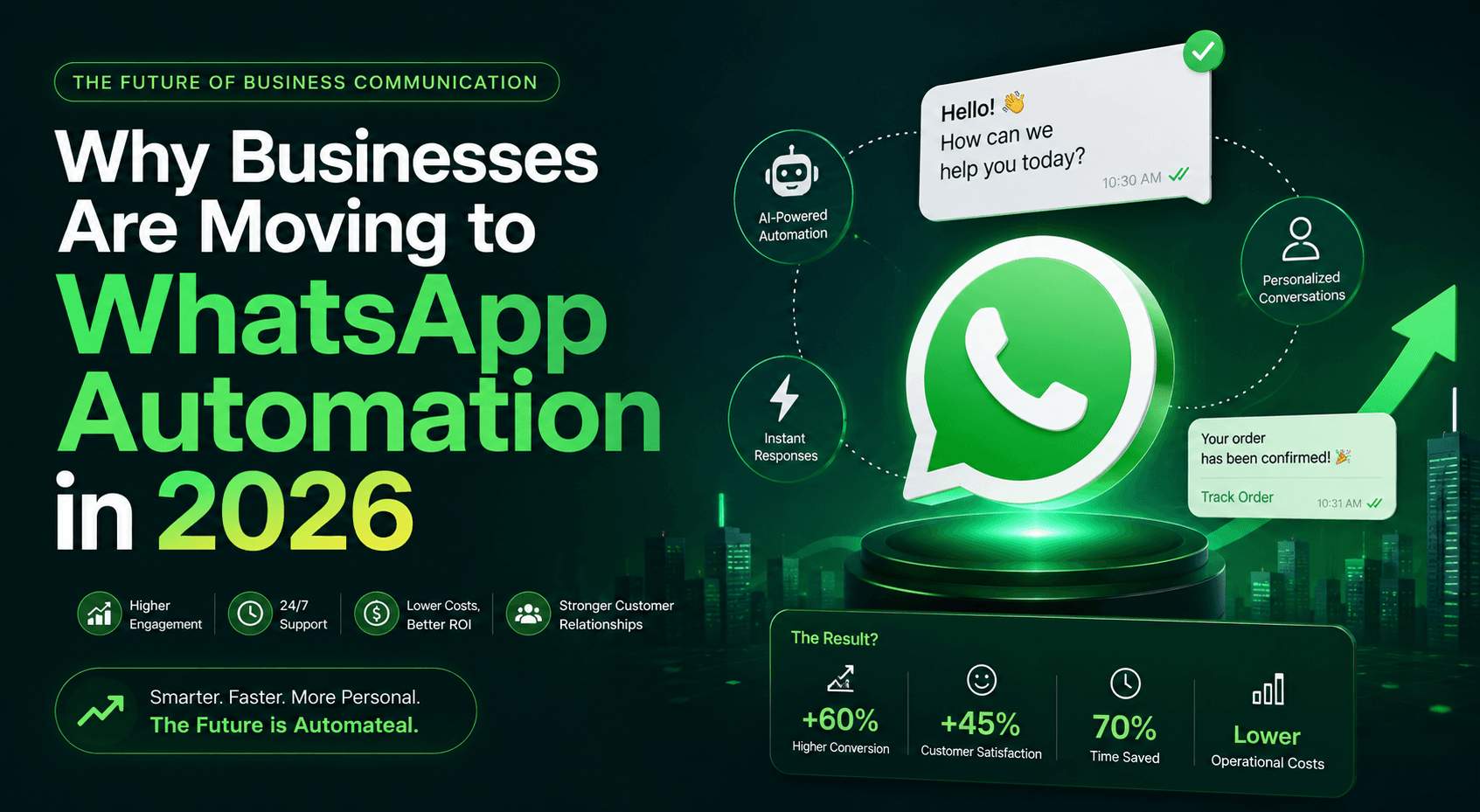
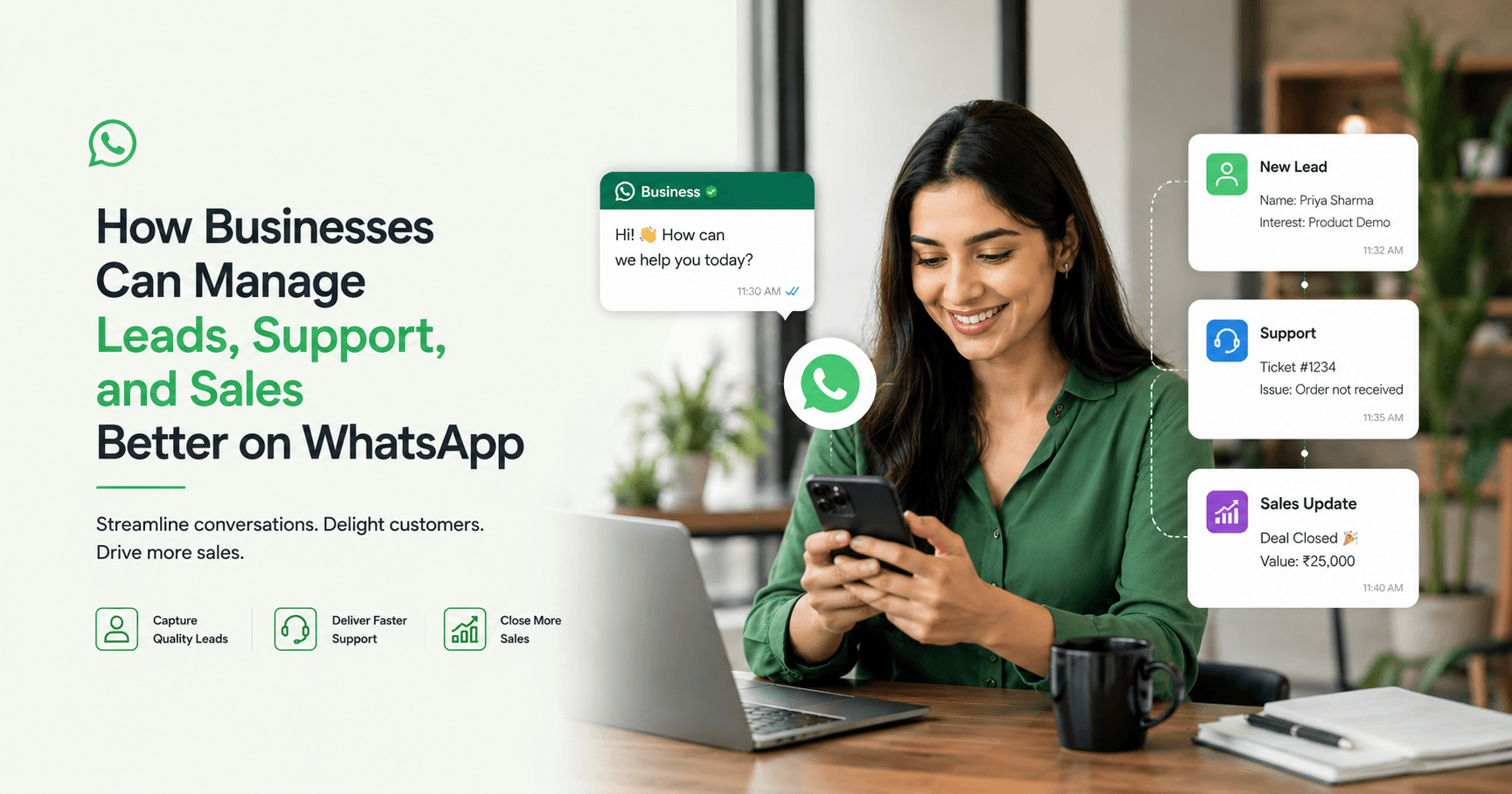
Setting up the API isn't just about "having a chat box." It's about turning WhatsApp into a revenue engine. Here are three ways the API transforms your business:
1. WhatsApp Lead Automation for Real Estate Agents
If you are in real estate, you know that speed is everything. With the API, you can set up WhatsApp lead automation that instantly greets a new lead from a Facebook ad, asks for their budget and preferred location, and even shares a PDF brochure—all while you are busy showing another property.
2. WhatsApp Marketing Automation Tool
The API allows you to go beyond 256-person broadcast lists. Using a professional WhatsApp marketing automation tool, you can send personalized bulk messages to thousands of customers without the risk of being banned. You can even track who clicked your links and who replied, allowing you to focus your energy on "hot" leads.
3. Secure WhatsApp Banking Alerts
For businesses in finance or professional services, security is a priority. The API provides an encrypted, official channel for secure WhatsApp banking alerts or payment reminders. This builds massive trust with your clients because they see your verified business profile, knowing the information is coming from a legitimate source.
The Bottom Line
The transition from the "App" to the "API" is the difference between chatting with customers and managing a customer base. By moving to an Omnichannel messaging platform, you ensure that no lead is ever dropped and every customer feels seen.
Ready to scale your business? Start your journey with an official WhatsApp Business API Provider today and see your conversion rates soar.