WhatsApp Template Approval Time (2026): Everything Businesses Need to Know
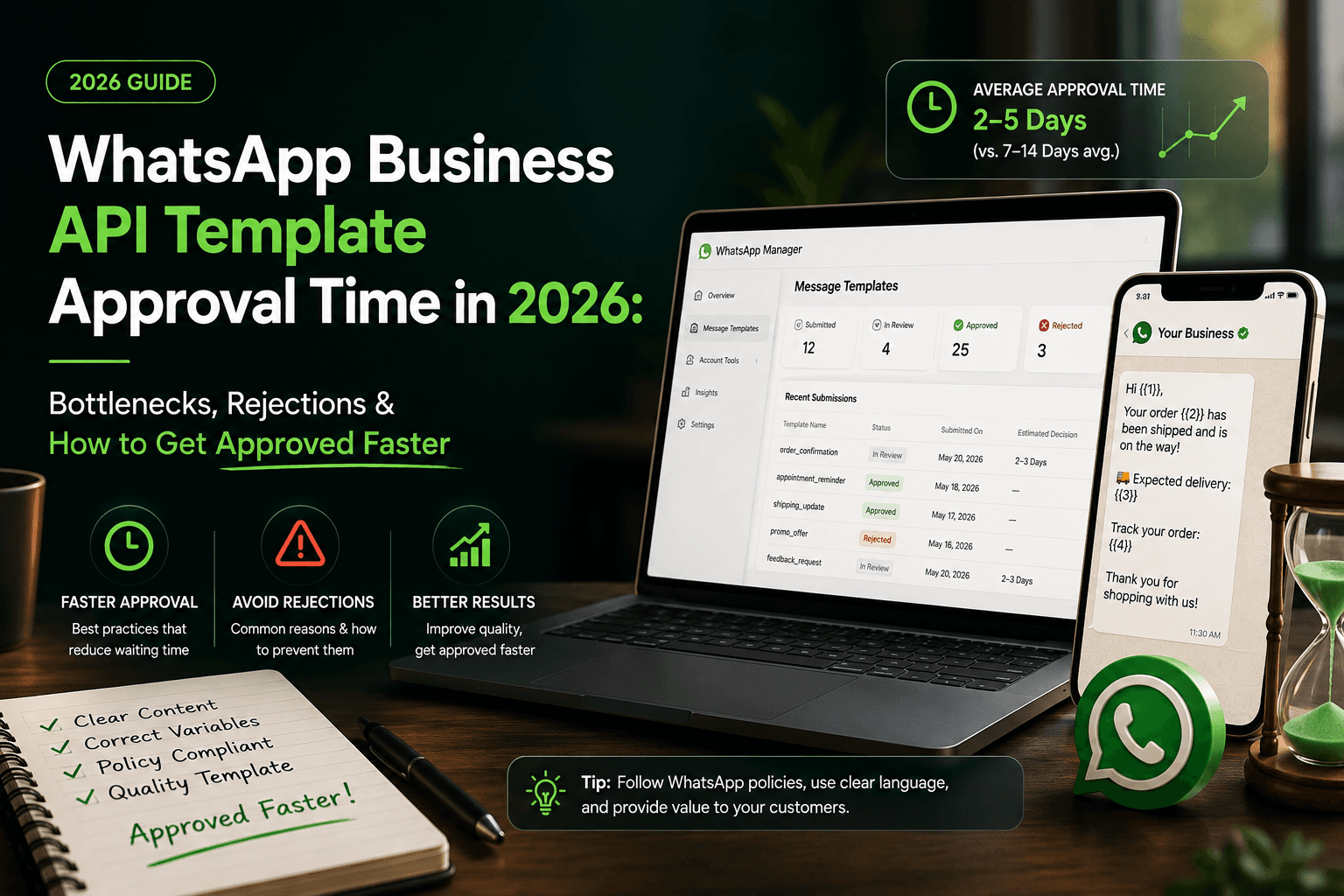
If you're using the WhatsApp Business API, one of the first questions you'll have is: How long does WhatsApp template approval take? Whether you're sending payment reminders, order updates, appointment confirmations, or promotional campaigns, every template must be approved before it can be used outside WhatsApp's 24-hour customer service window.
While many templates are approved within minutes, others may take several hours or longer depending on their content, compliance with Meta's policies, and review volume. Understanding the approval process can help you avoid delays and launch campaigns more efficiently.
What Is a WhatsApp Message Template?
A WhatsApp message template is a pre-approved message businesses use to initiate conversations with customers. Unlike free-form replies, templates must follow Meta's messaging policies and are reviewed before they can be sent.
Common use cases include:
Order confirmations
Payment reminders
Appointment reminders
Shipping notifications
OTP verification
Account updates
Marketing campaigns
Whether you're using a WhatsApp Business API provider or a customer engagement platform, template approval is a mandatory step before sending these messages at scale.
How Long Does WhatsApp Template Approval Take?
There is no fixed approval time. In many cases, templates are approved within a few minutes or hours. However, some may remain in a "Pending" state longer due to additional policy checks or high review volumes.
Approval time can depend on several factors:
Template category (Utility, Marketing, Authentication)
Message content
Variable formatting
Business account quality
Meta's review queue
If your template stays pending for an extended period, don't panic. It doesn't automatically mean it will be rejected.
Why Do WhatsApp Templates Get Rejected?
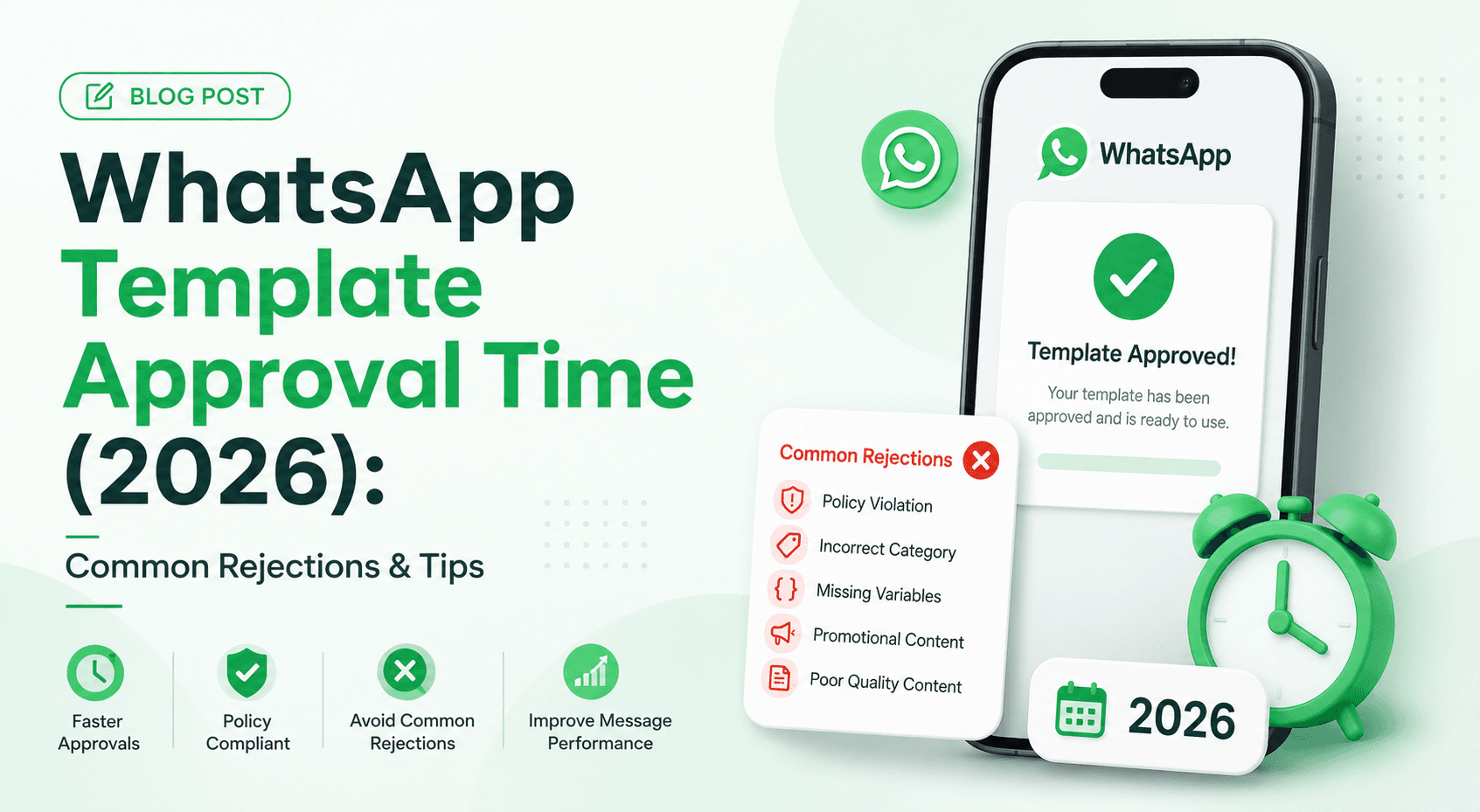
Most template rejections happen because of avoidable mistakes. Here are the most common reasons.
1. Wrong Template Category
A payment reminder should be submitted as a Utility template, while promotional offers belong in the Marketing category. Selecting the wrong category often leads to rejection.
2. Promotional or Spam-Like Content
Messages containing excessive promotional language such as "Buy Now," "Limited Time Offer," or misleading claims may fail the review process if they don't comply with Meta's policies.
3. Poor Variable Formatting
Variables should make sense within the message.
Good Example:
Hi {{Customer Name}}, your order {{Order ID}} has been shipped.
Poor Example:
{{1}} {{2}} {{3}} {{4}}
Using too many unexplained placeholders makes the template difficult to review.
4. Lack of Context
Templates should clearly explain why the customer is receiving the message. A simple "Click here" provides little context, while "Your appointment is confirmed. View your booking details here." is much clearer.
5. Grammar and Formatting Errors
Spelling mistakes, unnecessary capitalization, excessive emojis, or confusing wording can negatively affect approval. Always proofread templates before submitting them.
Common Template Approval Bottlenecks
Even well-written templates can experience delays. Some of the most common bottlenecks include:
High review traffic
Frequent template edits
Duplicate submissions
Incorrect categorization
Policy compliance checks
Complex message structures
Submitting multiple versions of the same template within a short period can also slow the review process.
How to Get Your WhatsApp Templates Approved Faster
Following a few best practices can improve your approval rate.
Keep messages simple. Short, clear templates are easier to review and understand.
Choose the correct category. Make sure your message matches its intended purpose.
Use meaningful variables. Replace generic placeholders with customer names, order numbers, or appointment dates where appropriate.
Write naturally. Avoid overly promotional language unless you're submitting a Marketing template.
Review before submitting. Check grammar, formatting, and links to ensure everything is accurate.
These simple steps can reduce rejections and speed up the approval process.
Why Template Approval Matters
Approved templates are essential for businesses that rely on automation. Whether you're using a WhatsApp Marketing Automation Platform or a WhatsApp Broadcast Messaging Platform, templates allow you to send notifications, reminders, and campaigns reliably.
Without approved templates, businesses cannot send WhatsApp Broadcast Messages outside the customer service window, limiting their ability to communicate at scale.
For growing businesses, maintaining a library of approved templates helps ensure smoother customer communication and faster campaign launches.
Example of a Well-Structured Utility Template
Payment Reminder
Hi {{Customer Name}},
This is a friendly reminder that your payment of {{Amount}} is due on {{Due Date}}.
If you've already completed your payment, please ignore this message.
Thank you for choosing us.
This template is concise, informative, and provides clear context for the recipient.
Frequently Asked Questions
How long does WhatsApp template approval take?
Many templates are approved within minutes or a few hours, although some may take longer depending on Meta's review process and policy checks.
Why is my template still pending?
Pending status usually means your template is still being reviewed. High submission volumes or additional compliance checks can increase approval time.
Can I edit a rejected template?
Yes. You can update the template based on the rejection reason and submit it again. Making the recommended changes improves your chances of approval.
Can I send broadcast messages without approved templates?
No. Businesses must use approved templates to initiate conversations and send broadcast campaigns outside the 24-hour messaging window.
Final Thoughts
Getting your WhatsApp templates approved is more than a technical requirement—it's the foundation of successful customer communication. By writing clear, policy-compliant messages, selecting the correct template category, and avoiding common mistakes, businesses can reduce approval delays and improve campaign performance.
Whether you're sending order updates, payment reminders, or marketing campaigns, investing time in creating high-quality templates ensures a smoother experience for both your team and your customers. As your messaging strategy grows, working with a reliable WhatsApp Business API provider and following Meta's best practices will help you scale communications with confidence.