If you've submitted a WhatsApp Business API template and it's still showing Pending, the waiting can be frustrating—especially when a campaign or customer communication workflow is ready to go.
So, how long does WhatsApp Business API template approval take in 2026?
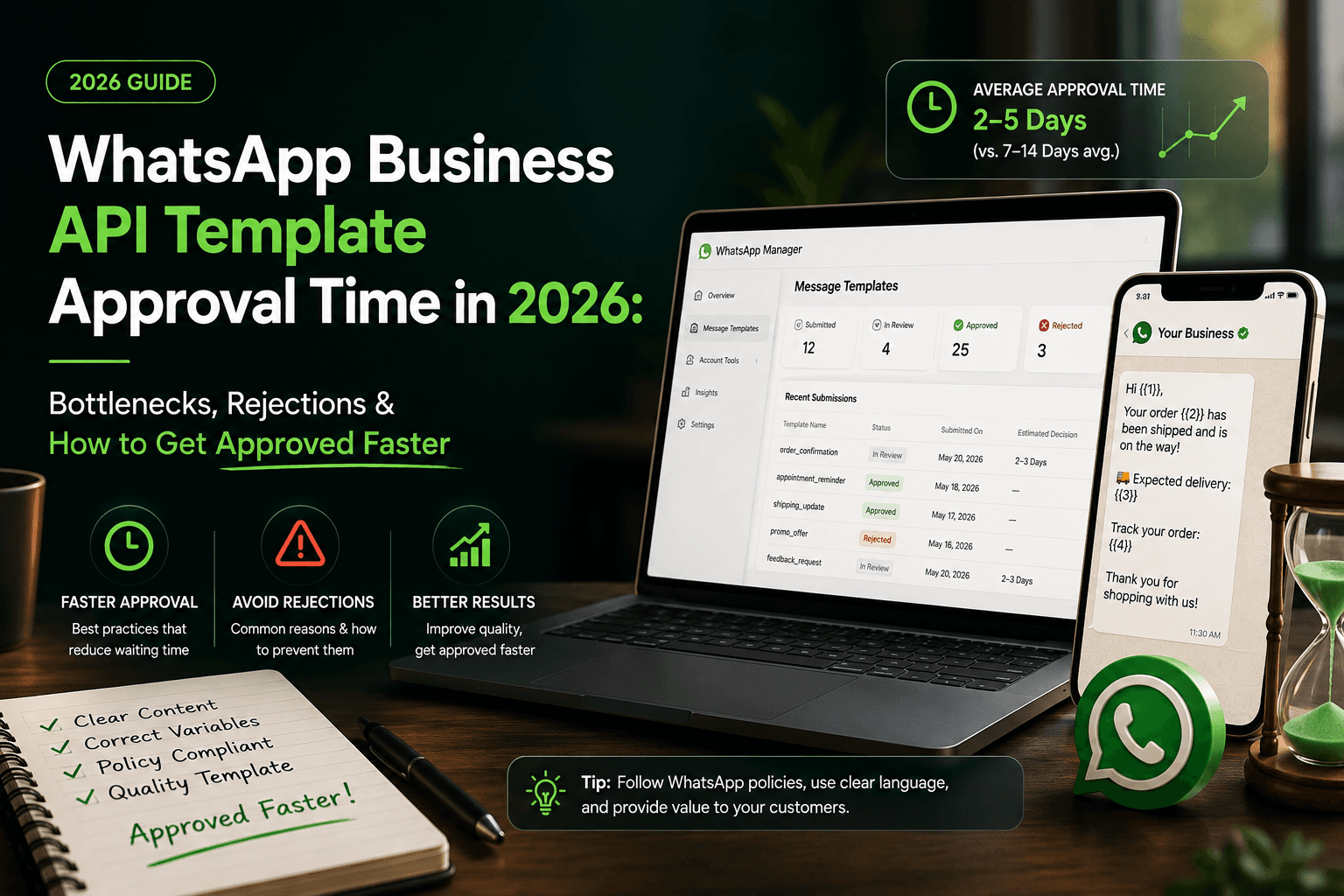
Most templates are reviewed within minutes, but some can take longer if they require additional review. Current WhatsApp documentation available through Twilio states that templates that cannot be automatically reviewed may be sent for human review, which can take up to 48 hours.
The approval time isn't entirely within your control. However, the way you write, categorize, and structure a template can make a significant difference to whether it gets approved smoothly or ends up rejected.
This guide explains the most common approval bottlenecks, what different template statuses mean, why templates get rejected, and what you can do to reduce unnecessary delays.
How Long Does WhatsApp Template Approval Take?
WhatsApp reviews most message templates relatively quickly.
In straightforward cases, approval or rejection can happen within minutes through automated review. Templates that need additional evaluation may take longer, with human review taking up to 48 hours according to current Twilio documentation.
That means there isn't a single guaranteed WhatsApp template approval time for every submission.
A simple transactional message may move through the process quickly, while a message with unclear wording, unusual formatting, or a category that doesn't clearly match its content may require additional scrutiny.
If your template has been Pending for less than 48 hours, there may be nothing wrong with it. It may simply still be under review.
If it remains pending beyond that period, it's worth checking the template details and contacting your WhatsApp Business API provider or support channel.
What Does "Pending" Mean on WhatsApp?
A Pending template has been submitted and is waiting for an approval decision.
It doesn't necessarily mean that the template has a problem.
WhatsApp template statuses can include:
Pending — the template is under review.
Approved — the template has passed review and can be used where applicable.
Rejected — the template did not pass review.
Paused — the template has been temporarily stopped because of negative user feedback.
Disabled — the template has been disabled because of repeated negative feedback or policy-related issues.
This distinction matters because the solution depends on the status.
If a template is pending, repeatedly creating new versions isn't necessarily going to make the existing review faster. If it's rejected, you need to understand and fix the reason for rejection.
Why Is My WhatsApp Template Taking So Long?
There are several reasons why approval may take longer than expected.
1. The template requires additional review
Automated systems can handle many straightforward submissions quickly. Some templates, however, cannot be confidently classified automatically and may be routed for additional review.
This is one reason two templates submitted at approximately the same time can have completely different approval times.
2. The category doesn't clearly match the message
WhatsApp templates need to use an appropriate category.
For example, if a message is clearly promotional but is submitted as a utility notification, the mismatch can create problems.
Before submitting, ask yourself:
What is the actual purpose of this message?
If the answer is "to promote an offer," the content should not be written as though it were purely a transactional update.
The category should accurately describe what you're sending.
3. Your variables aren't clear
Variables are useful when you need to personalize messages.
For example:
Hi {{1}}, your order {{2}} has been shipped and is expected to arrive on {{3}}.
The variables have a clear purpose.
Compare that with:
Hi {{1}}, {{2}} {{3}}.
The second version gives very little context.
WhatsApp can reject templates because of incorrectly formatted or poorly structured placeholders. Current guidance also identifies variables placed at the beginning or end of a message, adjacent variables, and non-sequential variables as common formatting problems.
4. The message is too generic
A template should communicate a clear purpose.
For example:
Hello {{1}}, thanks for contacting us.
This may be too vague depending on the intended use.
A more specific message could be:
Hi {{1}}, we're following up on your request for a product demonstration. Reply here to choose a convenient time.
The second version provides more context about why the customer is receiving the message.
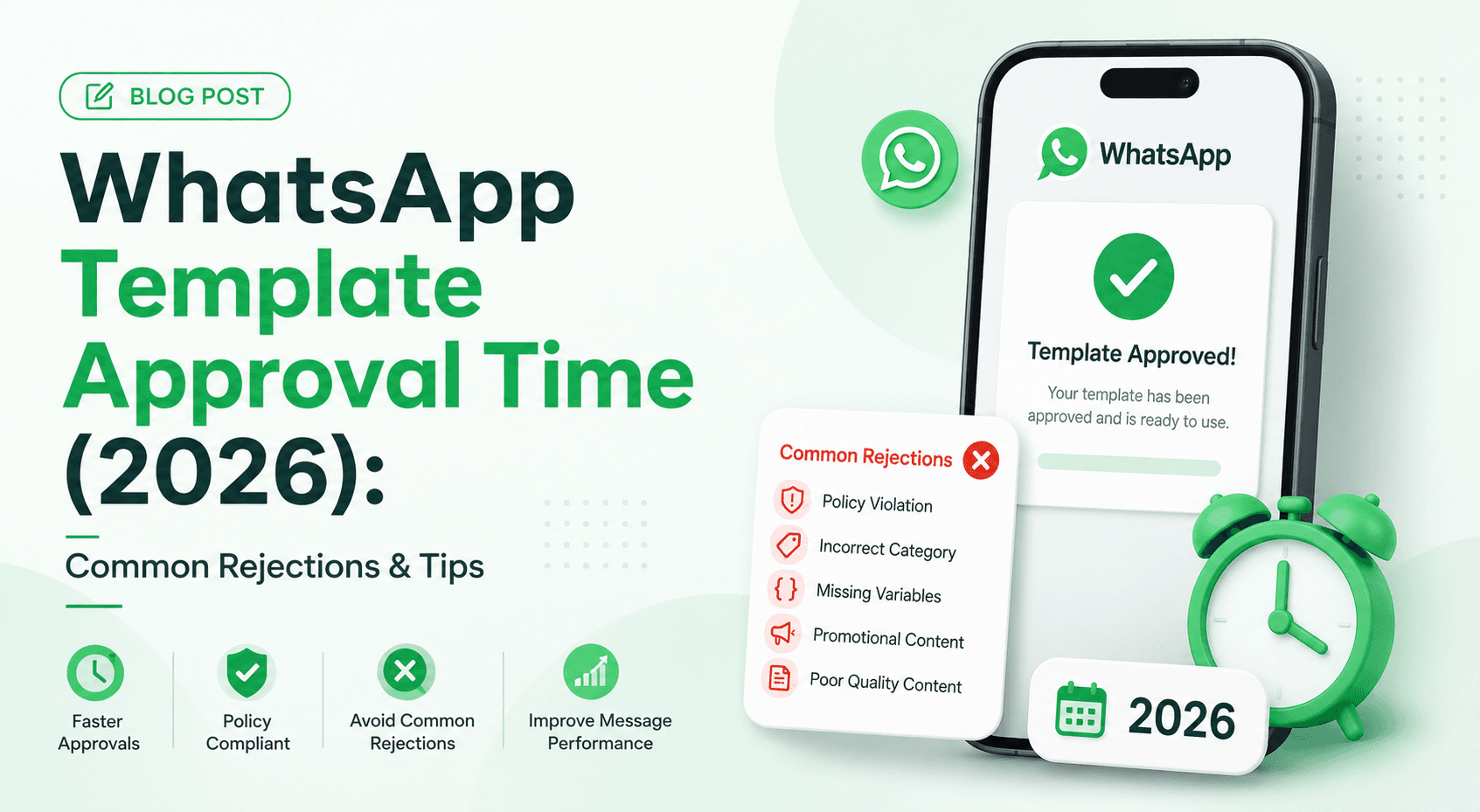
Common WhatsApp Template Rejection Reasons
Getting rejected is different from simply waiting for approval.
If WhatsApp rejects a template, you need to address the underlying problem before submitting another version.
Here are some of the most common issues.
Incorrect or malformed variables
Make sure your variables are properly formatted and sequential.
For example, don't jump from {{1}} to {{3}} without {{2}}.
Also avoid placing variables directly next to one another without meaningful text between them.
Variables at the beginning or end
A message such as:
{{1}}, your appointment is confirmed.
or:
Your appointment is confirmed for {{1}}
can create formatting issues depending on the template structure.
Adding appropriate context around the variable can make the message clearer and avoid rejection caused by variable placement.
Incorrect category
Your selected category needs to reflect the actual purpose of the message.
Trying to make a marketing message look like a utility message isn't a reliable way to improve approval.
If your content doesn't match the selected category, correct the category or rewrite the message so that the classification accurately represents its purpose.
Policy violations
WhatsApp reviews templates against its applicable policies.
Content that violates WhatsApp's Business or Commerce policies can result in rejection.
This becomes especially important when your messages involve sensitive information, financial services, healthcare, promotions, or other regulated use cases.
Excessive or inappropriate promotional language
A promotional message should be clear and relevant to the recipient.
Avoid writing messages that feel misleading, overly aggressive, or spam-like.
The objective isn't simply to get a template approved. It's to create messages that customers actually want to receive.
Too much unnecessary formatting
Templates can also be rejected because of formatting problems, including excessive whitespace, unsupported structures, or other formatting issues.
Keep the message simple and readable.
How to Get WhatsApp Templates Approved Faster
You can't guarantee instant approval, but you can eliminate many avoidable problems.
1. Write the message before choosing the category
Don't start by thinking:
"Which category is easiest to get approved?"
Instead, start with:
"What am I actually trying to tell the customer?"
Once the purpose is clear, choose the category that accurately represents the message.
2. Keep the message specific
A good template should make sense without requiring someone to guess what the message is about.
Instead of:
Hi {{1}}, here's an update for you.
Try:
Hi {{1}}, your order {{2}} has been shipped and is expected to arrive on {{3}}.
The second message gives the recipient immediate context.
3. Use variables carefully
Only use variables when personalization is genuinely useful.
Before submitting, check:
Are the variables sequential?
Does every variable have a clear purpose?
Are there words surrounding the variables?
Have you provided realistic sample values?
Could the message still make sense if the variable contained different information?
This simple review can prevent common formatting problems.
4. Avoid vague templates
The reviewer should be able to understand the intended use of your message.
A descriptive template name can also help your team manage templates more effectively. For example, a name such as order_delivery_update is much clearer than template_01.
5. Don't edit your strategy around approval delays
If a template is pending, don't assume that repeatedly submitting variations will make it move faster.
Instead, use the waiting period to review your other templates and make sure your overall messaging process is ready.
For businesses running WhatsApp automation for SaaS, for example, it makes sense to prepare onboarding, product updates, reminders, and support messages in advance rather than creating templates only when a campaign is about to launch.
What Should You Do If Your Template Is Rejected?
First, look at the rejection reason.
Don't immediately copy the same message, change the template name, and submit it again.
Instead:
Step 1: Identify the problem
Check whether the issue is related to:
Category
Variables
Formatting
Content
Policy compliance
Language
Step 2: Rewrite the problematic section
Don't make cosmetic changes if the underlying problem remains.
If the message is too vague, add context.
If the category is wrong, correct the category.
If the variables are malformed, restructure them.
Step 3: Create a revised template
Once you've addressed the problem, submit the corrected version.
Submitted templates generally can't simply be edited after submission; a new or duplicated version may be required depending on the platform or provider you're using.
What If My WhatsApp Template Has Been Pending for More Than 48 Hours?
If a template has remained pending for more than 48 hours, it's reasonable to investigate further.
First, check:
Template name
Current approval status
Selected category
Language
Submission time
Any rejection or review information available in your dashboard
If you're using a third-party WhatsApp Business API provider, contact its support team and provide the template details.
Twilio's current guidance specifically recommends opening a support ticket when a template remains pending for more than 48 hours.
Approval Is Only the First Step
Getting a template approved doesn't mean the job is finished.
WhatsApp can also monitor how recipients respond to your messages.
If users repeatedly block or report messages as spam, a template can be paused or eventually disabled.
This is why businesses shouldn't optimize their messaging strategy purely around approval.
A better approach is:
Clear message → correct category → approval → relevant delivery → positive customer response
The quality of the message still matters after approval.
For example, if you're using WhatsApp for customer acquisition, you should also monitor WhatsApp campaign tracking data to understand which campaigns generate meaningful engagement rather than simply measuring how many messages were sent.
WhatsApp Template Approval Checklist
Before clicking submit, ask:
Is the purpose of the message obvious?
Is the category accurate?
Are the variables necessary?
Are variables sequential?
Do variables have enough surrounding context?
Are sample values realistic?
Is the language correct?
Is the message free from unnecessary whitespace?
Does the content comply with WhatsApp policies?
Does the message sound natural to the recipient?
Would a customer understand why they're receiving it?
If you can answer yes to all of these, you've eliminated many of the common reasons for rejection.
Frequently Asked Questions
How long does WhatsApp Business API template approval take in 2026?
Most templates are reviewed within minutes. Templates that require additional review can take longer, and current Twilio documentation says human review can take up to 48 hours.
Why is my WhatsApp template still pending?
A pending status generally means the template is still under review. It doesn't automatically mean that your template has been rejected or contains an error.
Can I edit a WhatsApp template after submitting it?
Submitted templates generally cannot be edited directly. If changes are required, you may need to create a new version and submit that for approval.
Why was my WhatsApp template rejected?
Common reasons include incorrect variable formatting, incorrect categorization, vague content, excessive formatting issues, or content that doesn't comply with WhatsApp's applicable policies.
What happens if customers report my template?
Repeated negative feedback can cause a template to be paused or disabled. WhatsApp uses these measures to protect the quality of business messaging.
Final Takeaway
WhatsApp Business API template approval doesn't have one fixed timeline.
Most straightforward templates can be reviewed within minutes, while templates requiring additional review may take up to 48 hours.
If your template is pending, don't immediately assume something is wrong. Give the review process time.
If it gets rejected, focus on the actual reason rather than simply resubmitting the same message with a different name.
The best way to minimize approval bottlenecks is to get the basics right before submission: use the correct category, write a specific message, structure variables properly, and keep the content compliant and useful to the recipient.
Once your templates are approved, the next challenge is making sure those messages actually contribute to your customer journey,not just getting delivered.